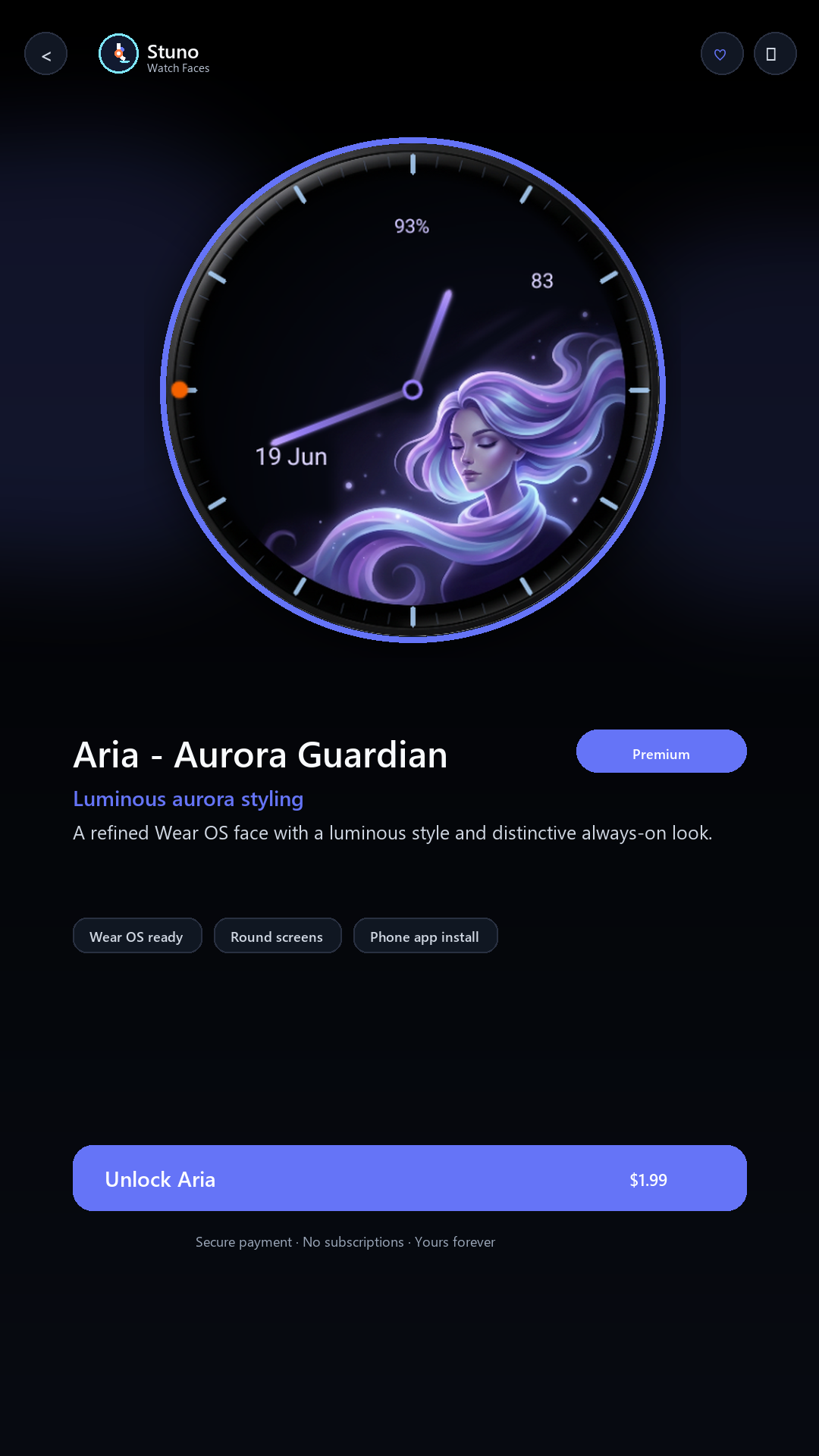
Aria - Aurora Guardian
Elegant animated aurora styling with a polished guardian dial presence.
Wear OS watch faces by Stunomatic
A premium phone-first catalog for animated Wear OS designs, built so you can browse, unlock, install, and restore your favorite watch faces from one Android app.
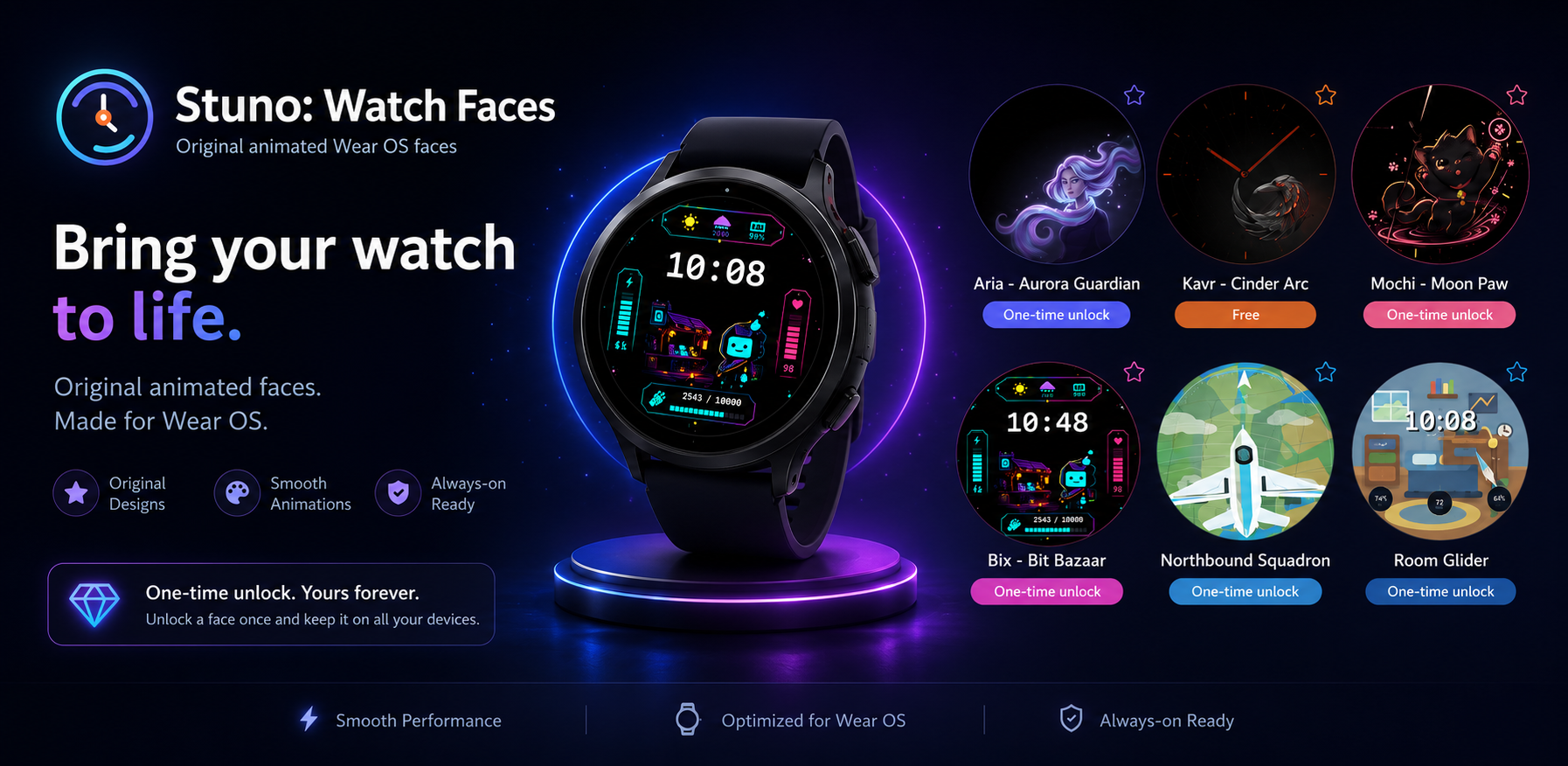
Final launch collection
Each design is presented from the phone app with its own visual identity, install state, and watch preview. Kavr is included free; the remaining faces are planned as premium one-time unlocks.
Elegant animated aurora styling with a polished guardian dial presence.
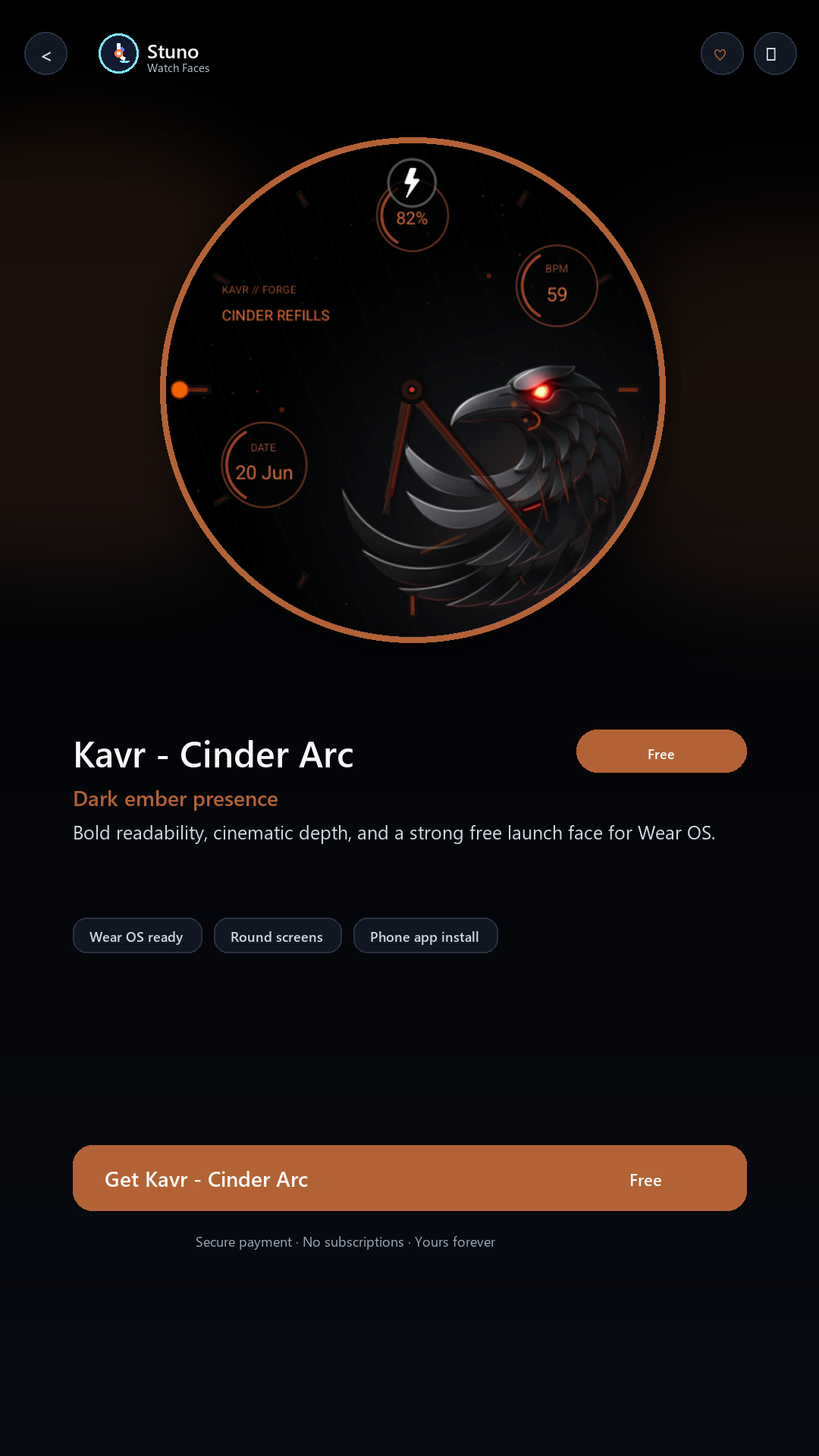
A bold analog free face with ember energy and strong active/AOD readability.
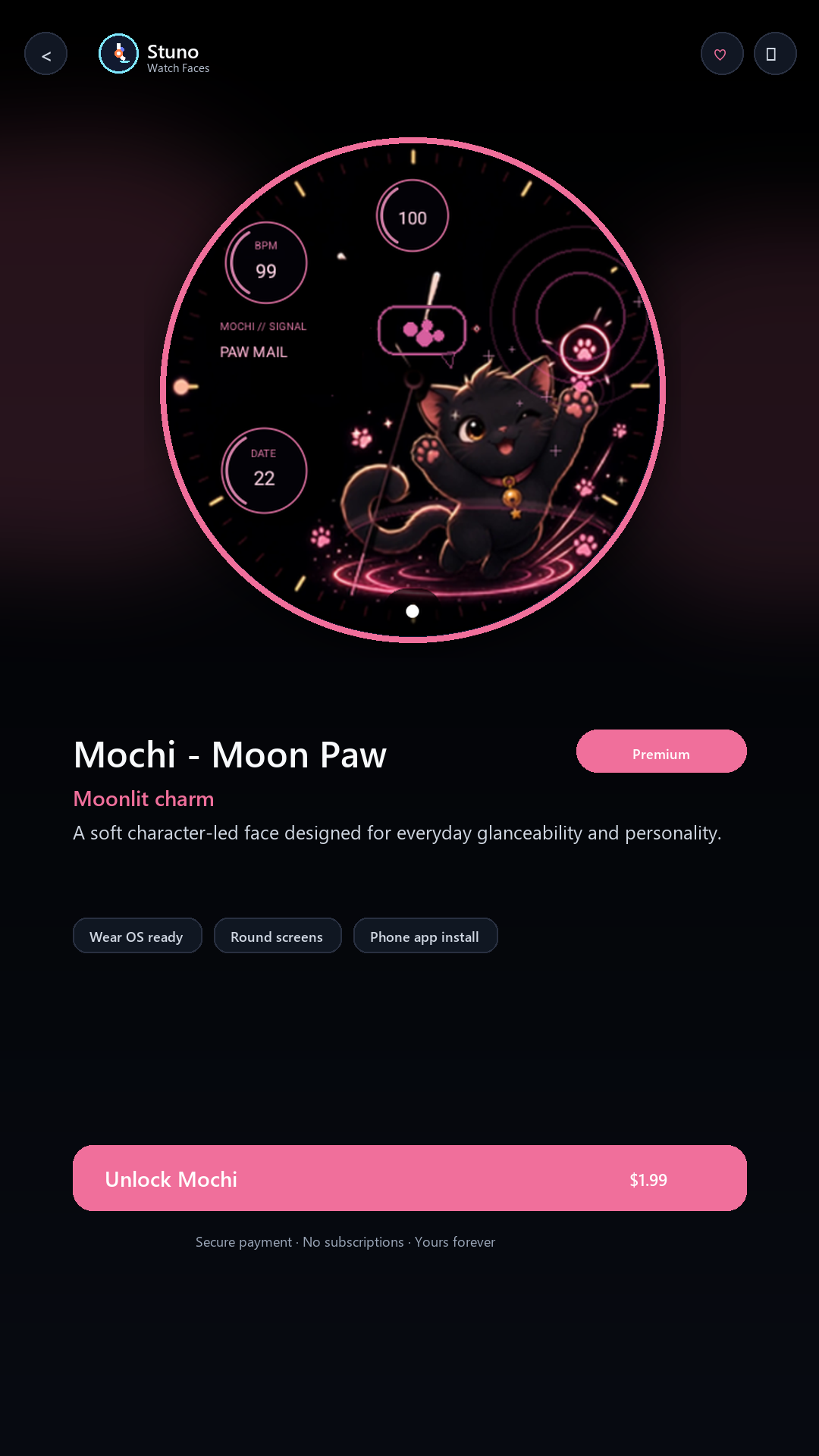
A playful moonlit character face designed with a soft animated personality.
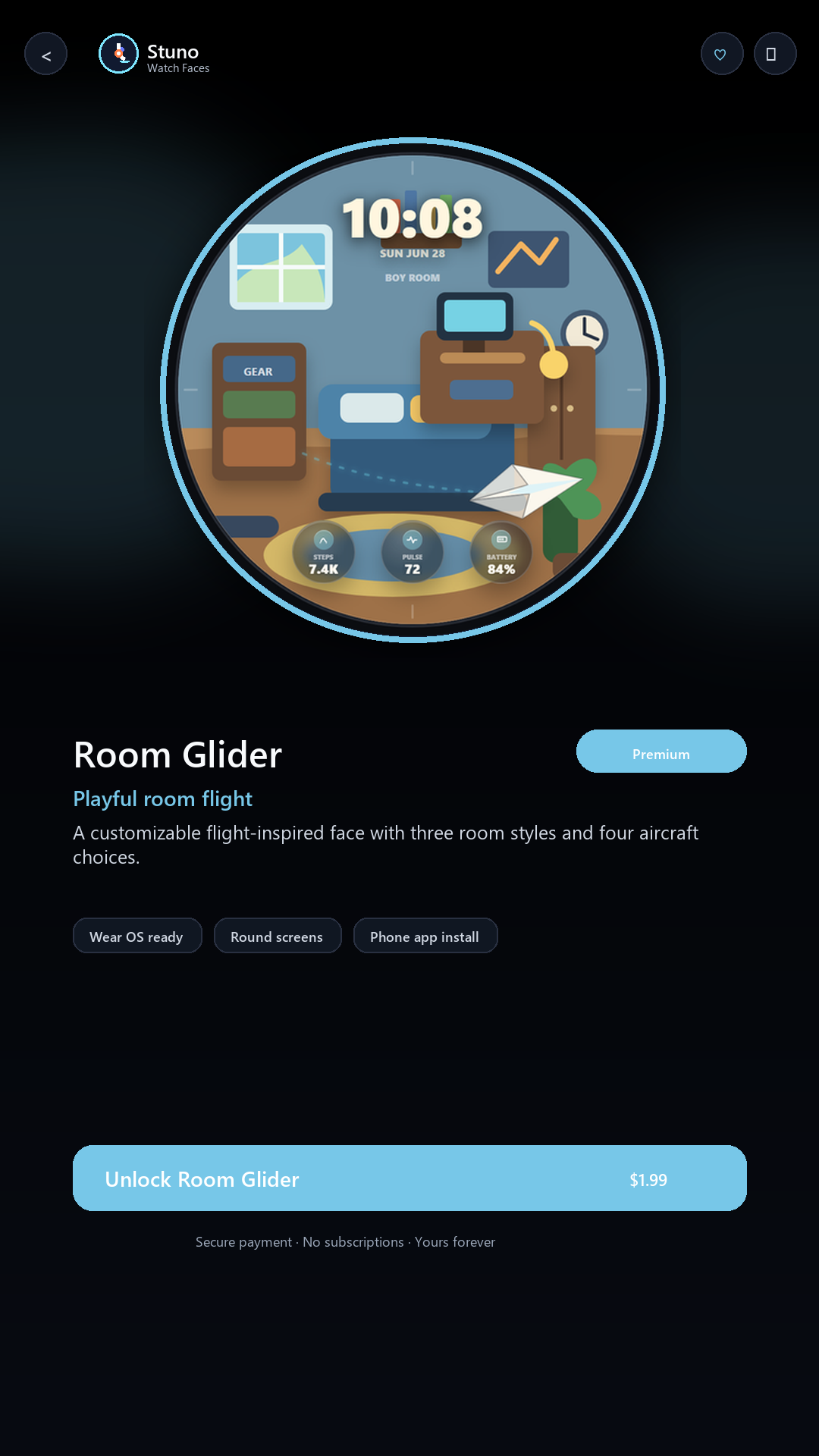
Flying-room watch face with Boy room, Girl room, and Corporate office room configurations.
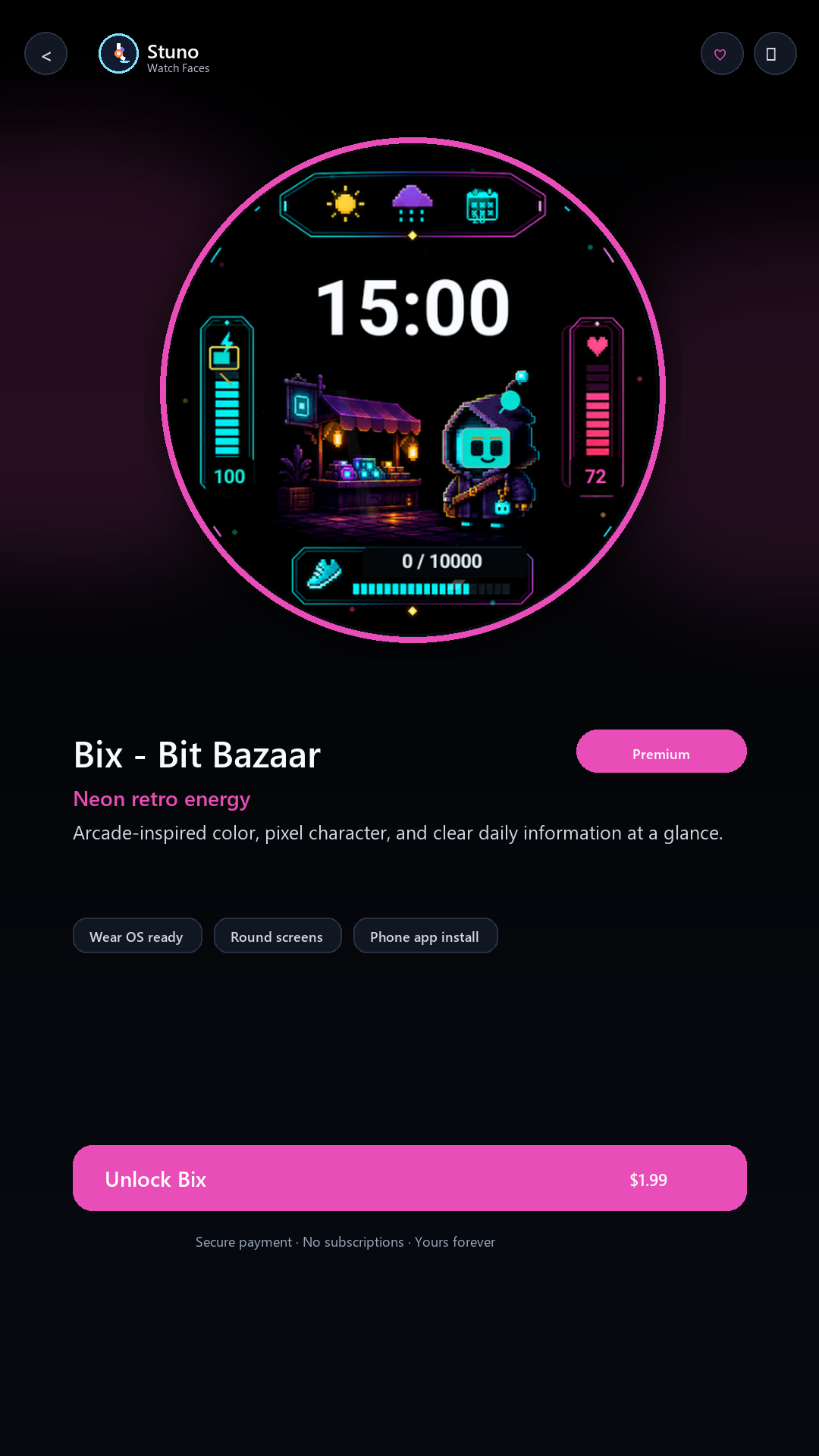
A colorful retro gaming face with lively digital detail and information-rich styling.
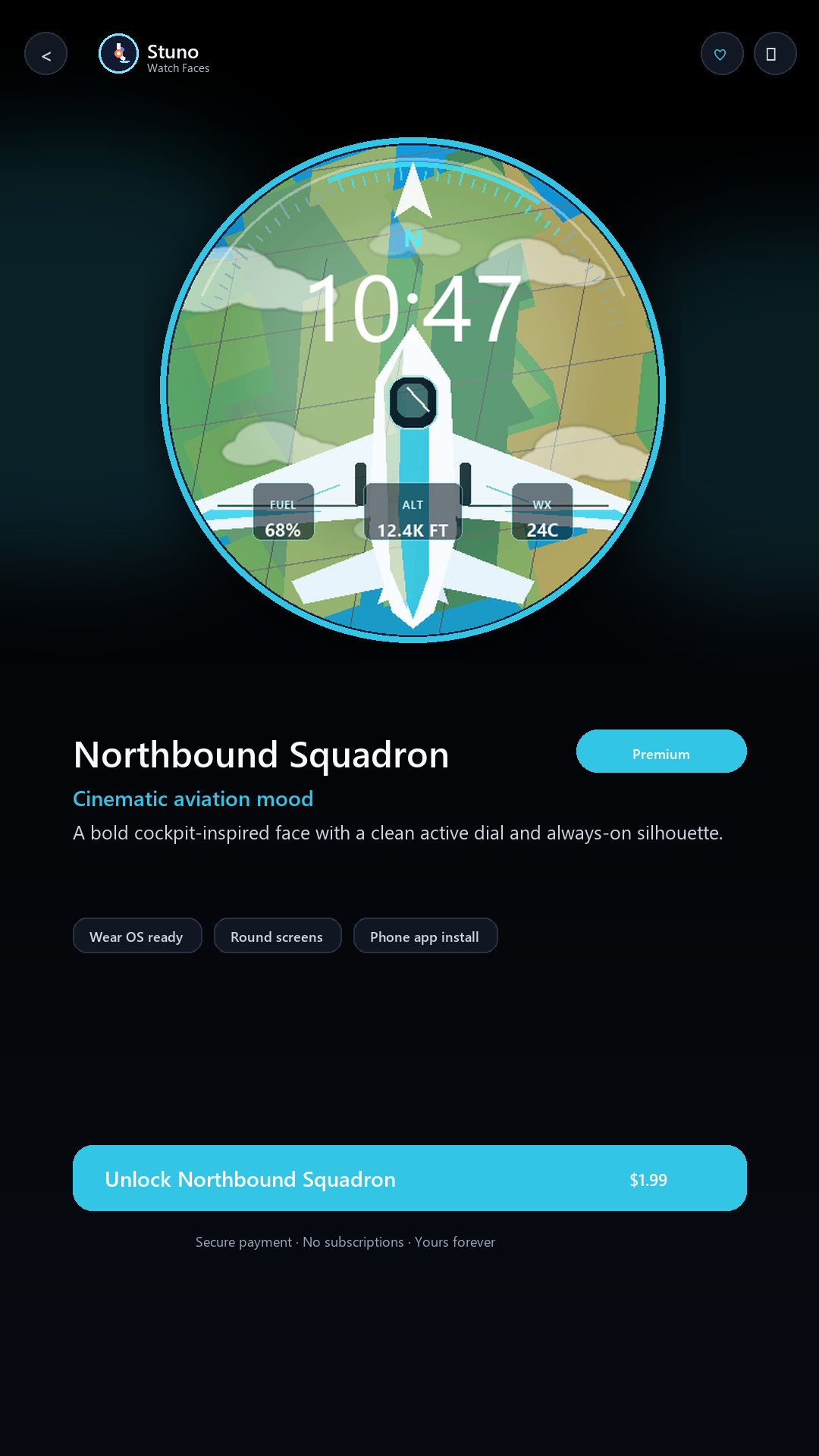
Aviation-inspired motion, clean watch utility, and a stronger ambient layer.
Phone-first flow
The app keeps the storefront on your phone where there is room for previews, purchase states, restore purchase, and clear paired-watch feedback. The watch side stays lightweight and focused on receiving and activating the selected face.
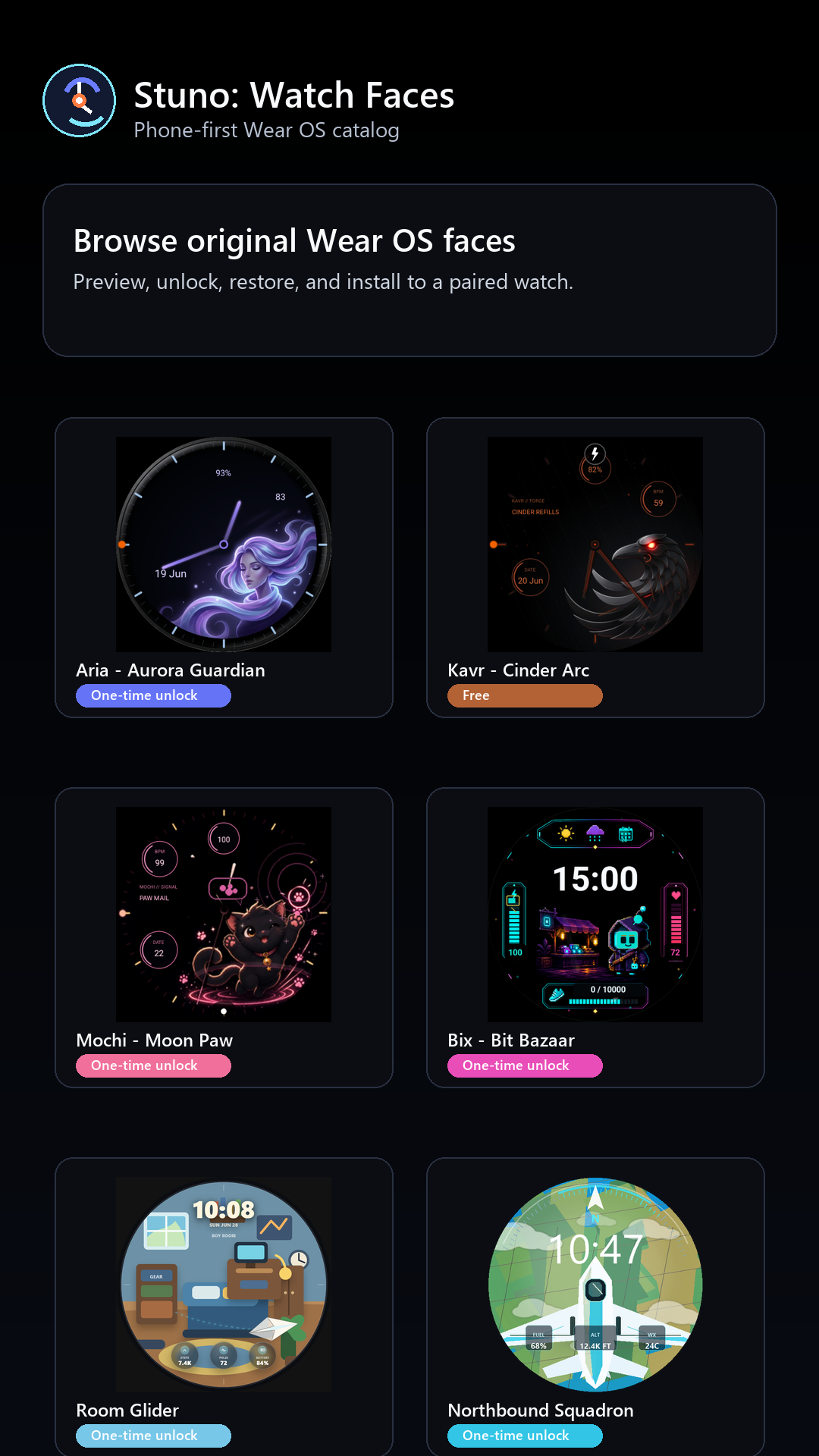


Unlock model
Stuno Watch Faces is planned around one-time face unlocks so customers can buy only the designs they want. Google Play controls the final local price, taxes, and currency shown to each customer.
Privacy and permissions
Stuno Watch Faces uses Google Play Billing for purchases and restore purchase. The phone app uses the Wear OS companion connection to send the selected watch face package and entitlement state to a paired watch.
Watch information such as time, battery, steps, or complications is shown on the watch face through Wear OS on-device APIs and providers. The catalog does not need a Stunomatic account or a cloud sync service for the watch face install flow.